
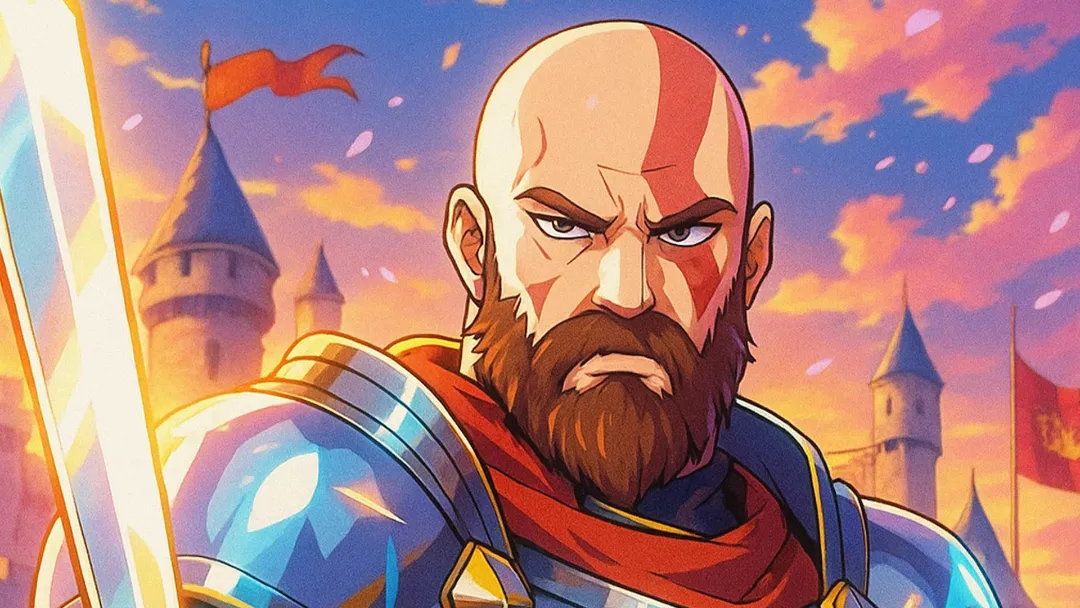
همراهان همیشگی زومجی پیشتر آموزشهای ساخت و تبدیل تصاویر با هوش مصنوعی را خواندهاند؛ از ساخت تصاویر به سبک شخصیتهای باب اسفنجی گرفته تا تبدیل عکسها به یک سامورایی انیمهای. در ادامه این مطالب و پیرو درخواست یکی از کاربران زومجی در مطلب قبلی، تصمیم گرفتیم تا این بار دستوری برای تبدیل عکسها به شوالیه انیمهای و واقعگرایانه را با شما به اشتراک بگذاریم.
برای این منظور، ابتدا وارد سایت ChatGPT شوید و اگر اکانت ندارید، اکانتی رایگان در آن بسازید. البته میتوانید این کار را در ابزارهای دیگر هوش مصنوعی هم انجام دهید؛ هرچند که برخی از آنها در ساخت عکس محدودیتهایی دارند.
حال کافی است عکس دلخواه خودتان را آپلود و همراه با آن، دستور زیر را هم برای چت جی پی تی ارسال کنید:
پرامپت ساخت تصویر شوالیه انیمهای در چت جیپیتی:
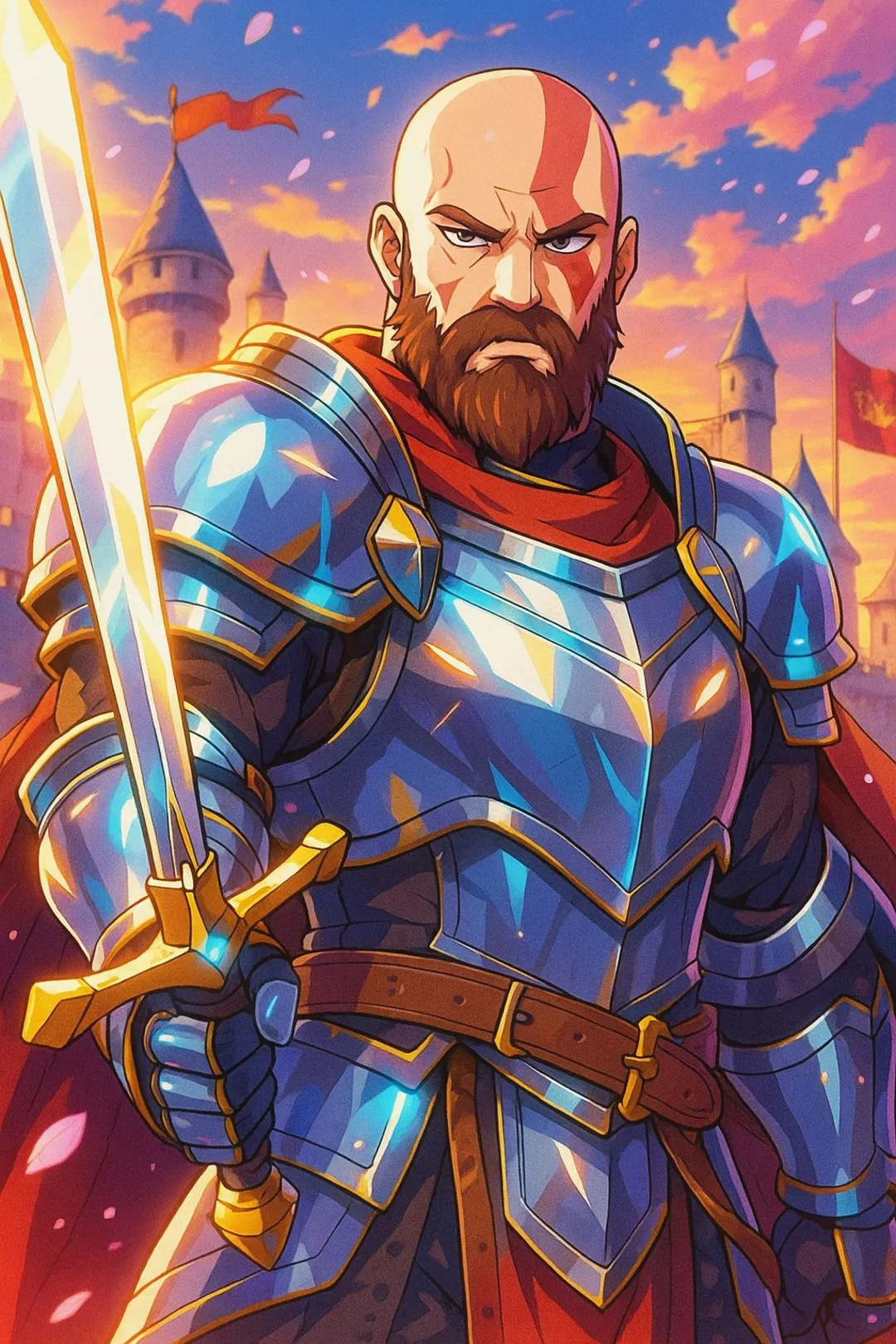
A stylized anime portrait of the uploaded person as a heroic medieval knight. The person is wearing ornate armor with glowing highlights, carrying a shining longsword or shield. Background filled with a castle, banners, or a sunset battlefield, with epic anime-style shading and vibrant colors. Heroic pose, fantasy atmosphere, cherry blossom petals or magical light effects. Keep the facial features recognizable (face preservation).
با این دستور میتوانید خروجی به سبک زیر داشته باشید:
پرامپت ساخت تصویر شوالیه واقع گرایانه در چت جیپیتی:
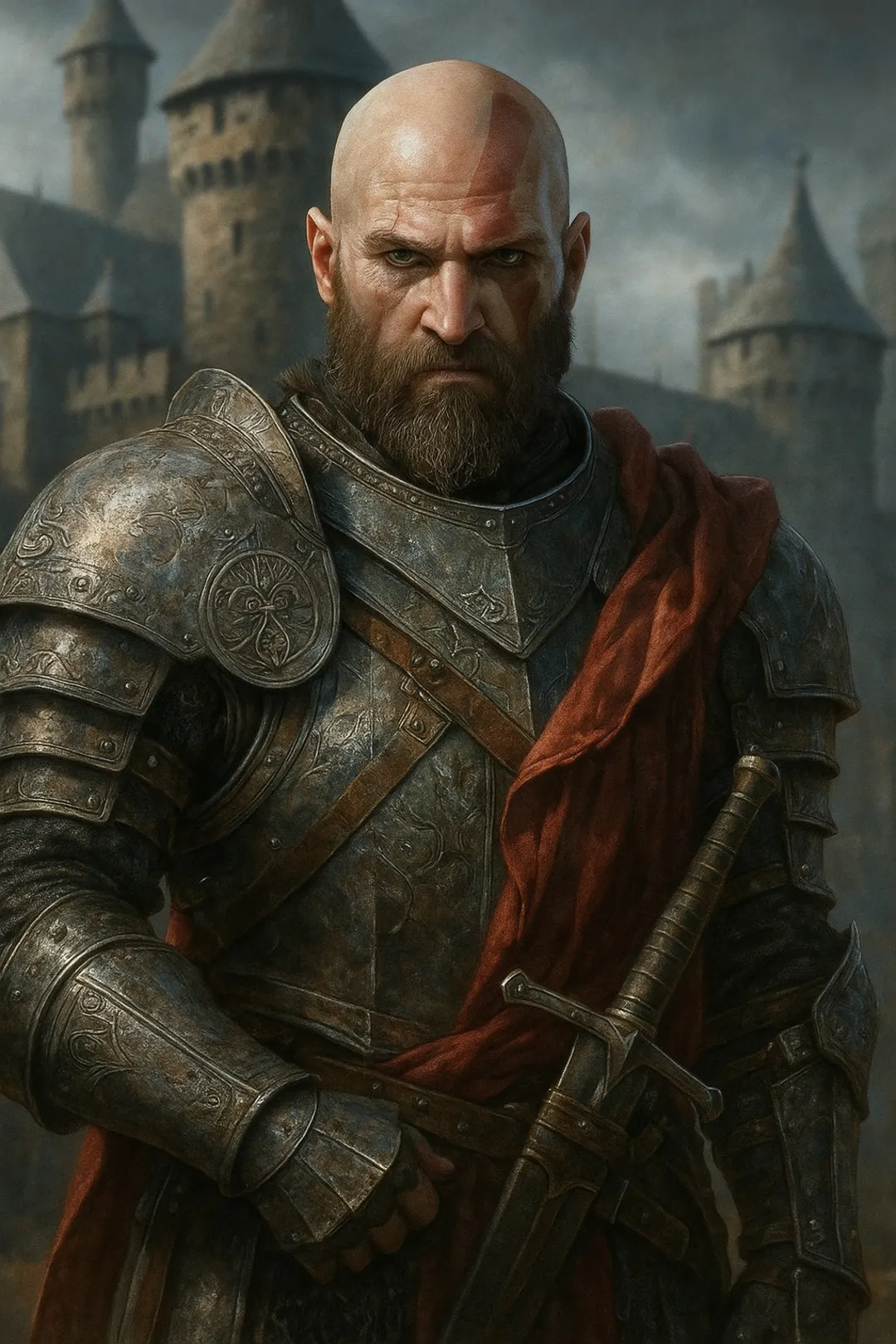
A hyper-realistic portrait of the uploaded person transformed into a medieval knight. The person is wearing detailed steel plate armor with engravings, a chainmail undersuit, and a longsword at the side or in hand. The helmet is either tucked under one arm or worn with the visor raised to show the face. Cinematic lighting, dramatic atmosphere, with a medieval castle or battlefield in the background. Ultra-detailed, high resolution, realistic face preservation.
با این دستور خروجی کار تصویری مشابه عکس زیر از کریتوس خواهد بود: